 Posted by
 Download macOS Mojave 10.14.6 Update

MacOS Mojave 10.14.6 was one of the most stable and popular operating systems released by Apple for Mac users. Even years after its release, many users still prefer Mojave because of its smooth performance, classic interface, and compatibility with older 32-bit applications.
This version introduced several useful improvements, security updates, and performance enhancements that made Mac devices faster and more reliable. Whether you are using an older MacBook, iMac, or Mac Mini, macOS Mojave 10.14.6 remains a trusted choice for productivity and everyday use.
Finder
- Find your files visually using large previews in Gallery View.
- See full metadata for all file types in the Preview pane.
- Rotate an image, create a PDF, and more right in the Finder using Quick Actions.
- Mark up and sign PDFs, crop images, and trim audio and video files using Quick Look.
Continuity Camera
- Photograph an object or scan a nearby document with your iPhone, and it automatically appears on your Mac.
Mac App Store
- Browse handpicked apps in the new Discover, Create, Work, and Play tabs.
- Discover the perfect app and make the most of those you have with stories, curated collections, and videos.
iTunes
- Search with lyrics to find a song using a few of the words you remember.
- Start a personalized station of any artist’s music from the enhanced artist pages.
- Enjoy the new Friends Mix, a playlist of songs your friends are listening to.
Safari
- Block Share and Like buttons, comment widgets, and embedded content from tracking you without your permission with enhanced Intelligent Tracking Prevention.
- Prevent websites from tracking your Mac using a simplified system profile that makes you more anonymous online.
Apple News
- Read Top Stories selected by Apple News editors, trending stories popular with readers, and a customized feed created just for you.
- Keep your favorite topics, channels, and saved stories up to date on your Mac and iOS devices.
Stocks
- Create a customized watchlist and view interactive charts that sync across your Mac and iOS devices.
- Browse business news that drives the markets, curated by Apple News editors.
Voice Memos
- Make audio recordings, listen to them as you work with other apps, or use them in a podcast, song, or video.
- Access audio clips from your iPhone on your Mac using iCloud.
Home
- Organize and control all of your HomeKit accessories from your desktop.
- Receive real-time notifications from your home devices while you work.
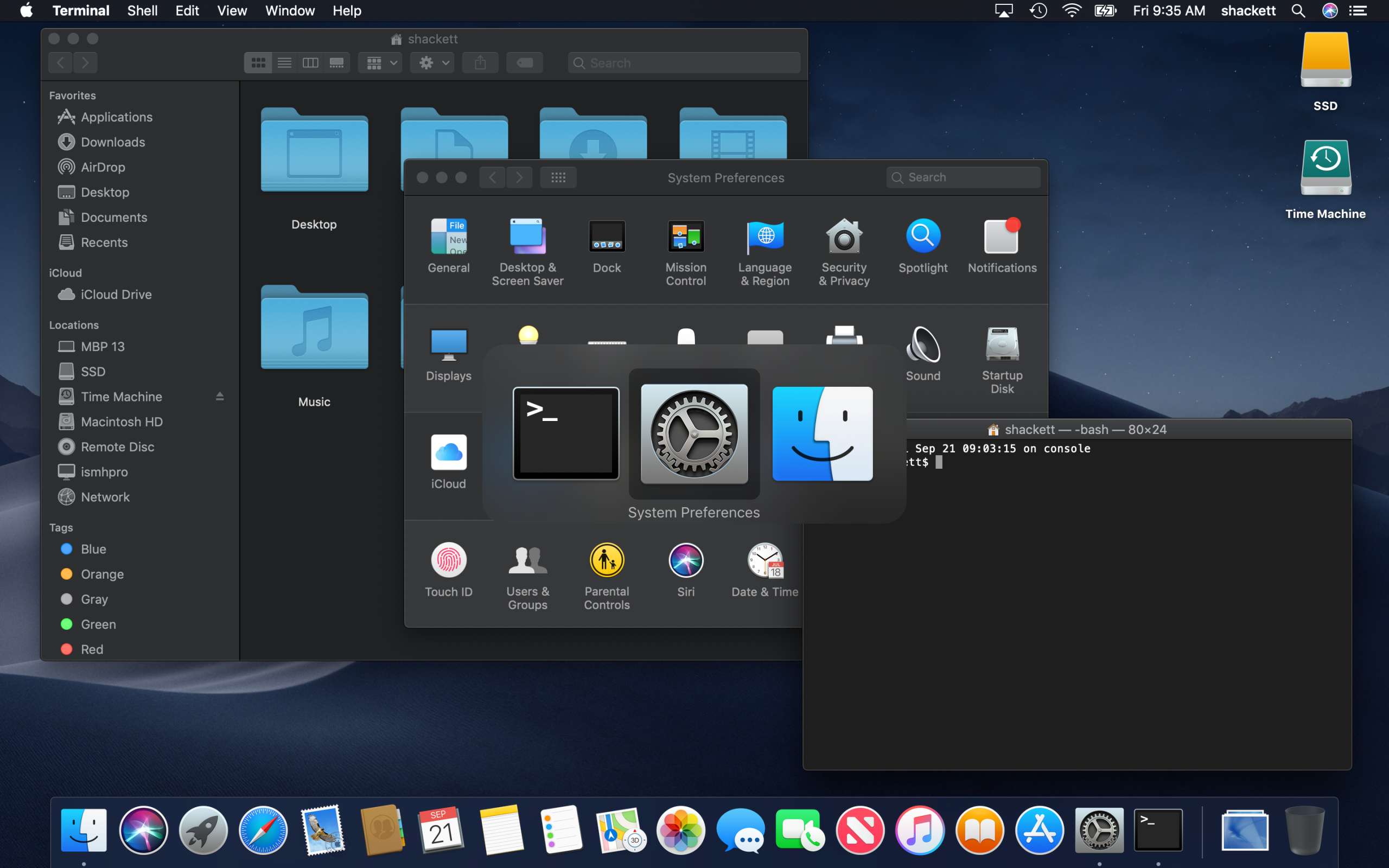
Supported models:
- MacBook (Early 2015 or newer)
- MacBook Air (Mid 2012 or newer)
- MacBook Pro (Mid 2012 or newer)
- Mac mini (Late 2012 or newer)
- iMac (Late 2012 or newer)
- iMac Pro (2017)
- Mac Pro (Late 2013, plus mid 2010 and mid 2012 models with recommended Metal-capable GPU)
What’s New:
Version 10.14.6
The macOS Mojave 10.14.6 update improves the stability and reliability of your Mac.
This update:
- Makes downloaded issues available in the My Magazines section of Apple News+, both online and offline
- Adds all publications in Apple News+, including newspapers, to the catalog at the top of the News+ feed
- Adds the ability to clear downloaded magazine issues in Apple News+ by selecting History > Clear > Clear All
- Addresses an issue that prevents the creation of a new Boot Camp partition on iMac and Mac mini with Fusion Drive
- Resolves an issue that may cause a hang during a restart
- Resolves a graphics issue that may occur when waking from sleep
- Fixes an issue that may cause a full-screen video to appear black on a Mac mini
- Improves file sharing reliability over SMB
How to Install macOS Mojave 10.14.6
Follow these simple steps to install Mojave:
- Back up your important data using Time Machine.
- Open the App Store on your Mac.
- Search for macOS Mojave.
- Download the installer.
- Run the installation process.
- Follow on-screen instructions and restart your Mac.
The installation may take some time, depending on your internet speed and device performance.
Advantages of macOS Mojave 10.14.6
- Excellent stability
- Smooth performance on older Macs
- Supports 32-bit applications
- User-friendly interface
- Reliable security updates
- Professional workflow compatibility
Disadvantages of macOS Mojave 10.14.6
- No support for the latest Apple features
- Older security architecture compared to modern macOS versions
- Limited compatibility with some new applications
- Official support from Apple has ended
Is macOS Mojave 10.14.6 Still Good in 2026?
For users with older Mac systems, Mojave can still be a practical option. It remains useful for running legacy software, creative tools, and older professional applications.
However, users who require modern security features, the latest apps, or Apple ecosystem integration may prefer upgrading to newer macOS versions.
MacOS Mojave 10.14.6 (18G103) Download from the link given below: